1. Change Apache port
Edit /etc/apache2/ports.conf file,
sudo nano ports.conf
Find the following line:
Listen 80
Change for example 90

Additionally, change the port number also in 000-default.conf
sudo nano /etc/apache2/sites-enabled/000-default.conf

sudo systemctl restart apache2
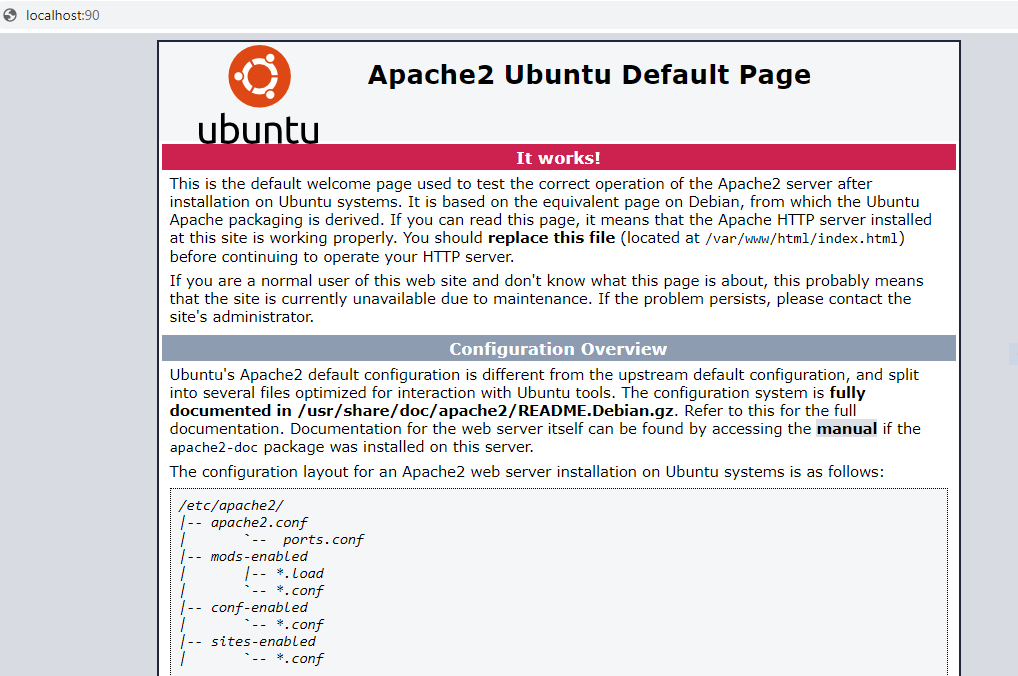
and try
http://IP-address:90


No comments:
Post a Comment